Product · 4 min read
How locked photo reveals actually work in Lumora
Anticipation only works if the lock is real. Lumora enforces reveal timing on the server, so an unrevealed roll cannot be read by guests — through the app, the URL, or developer tools.
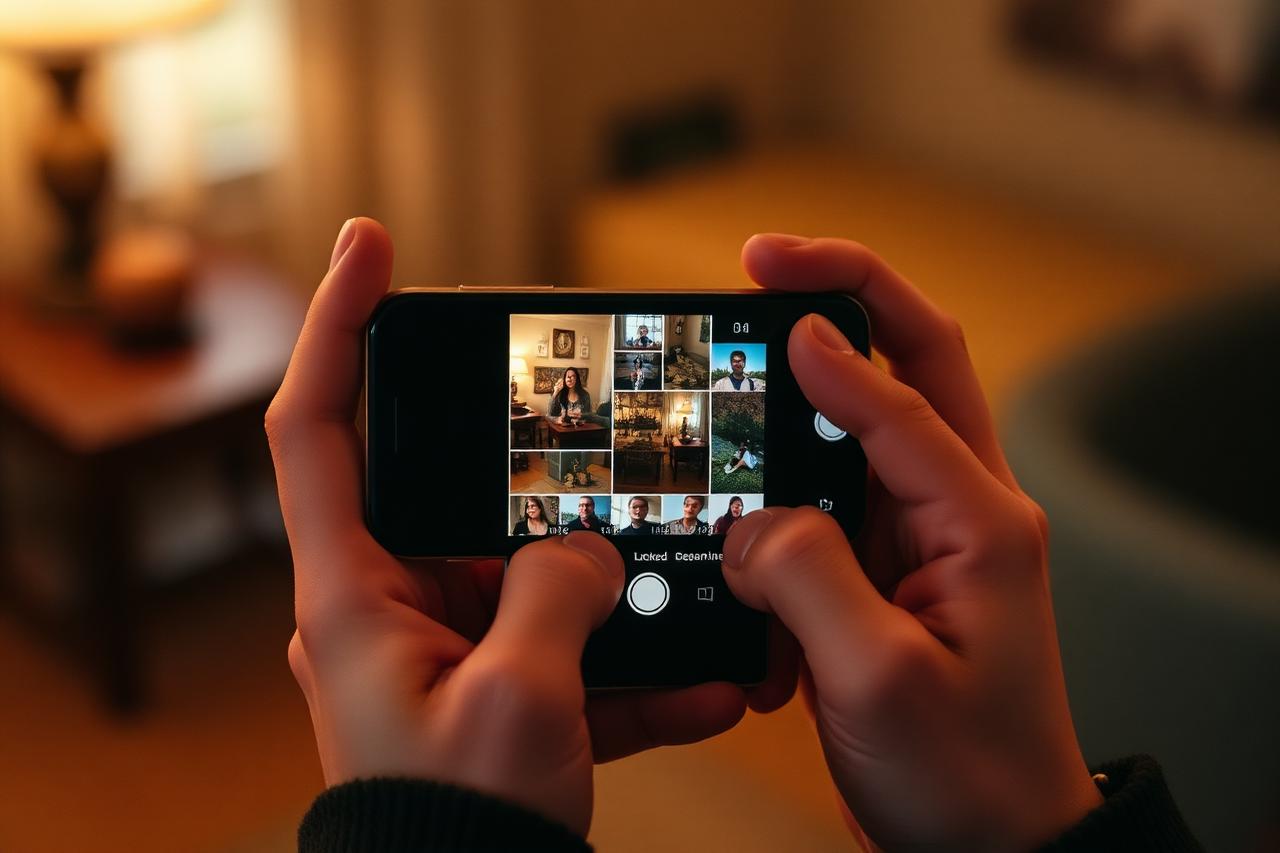
Three reveal modes
During the event: each photo appears live as it's taken. After the event: the roll opens when the finish time passes. Delay: the roll opens a chosen interval after the event ends.
- Locked photos show an 'Unlocking in' countdown in days, hours and minutes
- The host of a film can always see their own roll
- When the window passes, the whole roll develops at once
Why server-side matters
If photos were merely blurred in the interface, anyone could read the underlying file. In Lumora, locked photo rows and their files are withheld by database policies and short-lived signed links, so there is nothing to uncover in the page source.
After the reveal
Revealed photos can be opened full size, saved, and shared. The film stays in your albums after it ends, in original aspect ratios, with attribution for every shot.
Questions
Can a guest see photos before the reveal?
No. Locked rolls are enforced server-side, so guests cannot fetch unrevealed photos by any route.
Can I change the reveal time after creating the film?
Yes — the host can edit the reveal settings from the film's edit dialog.
Keep reading
What a shared disposable camera app actually does
One roll, many phones, one reveal. How a shared disposable camera works when nobody has to carry an actual camera.
A wedding photo sharing app guests will actually use
Your photographer gets the posed shots. A shared roll gets everything else — the toasts, the dance floor, the 1 a.m. table.