Weddings · 6 min read
A wedding photo sharing app guests will actually use
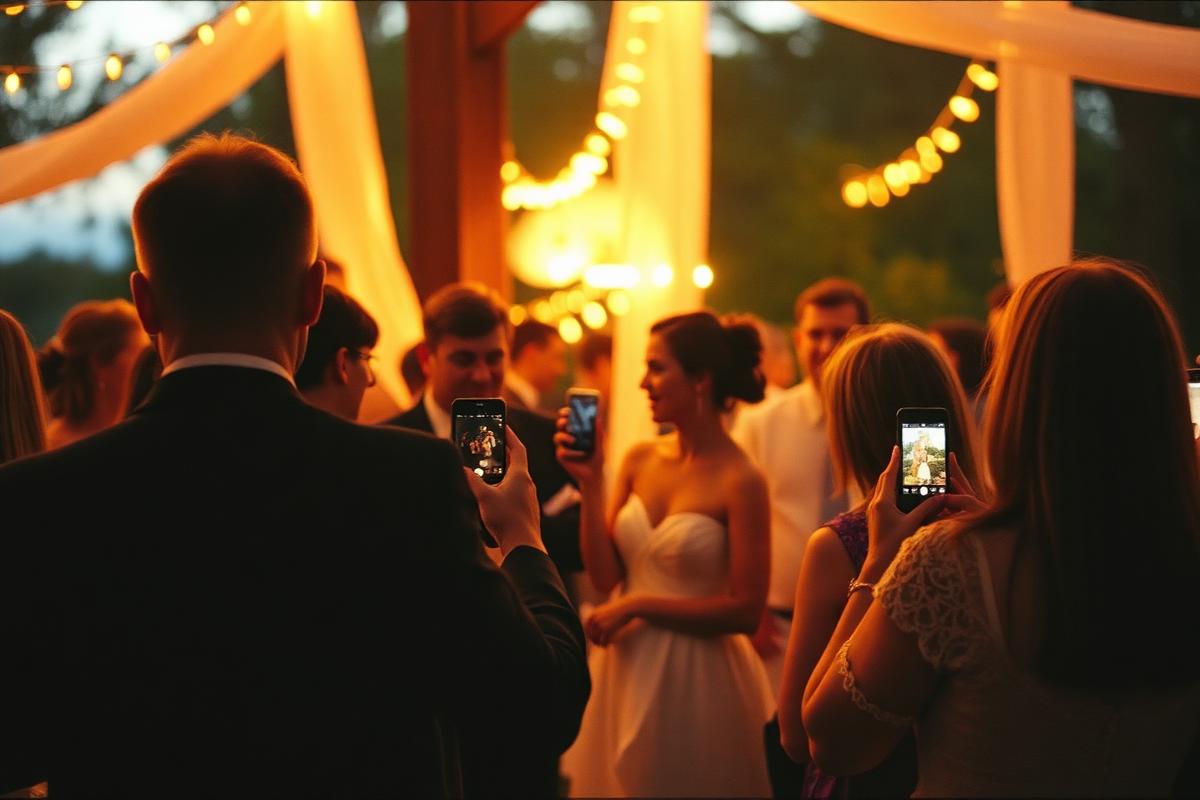
The photographer leaves at eleven. The best photos of a wedding usually happen after that — and they live on 80 phones you'll never see. A shared roll fixes it without asking anyone to install anything complicated.
Set the film up before the day
Create the film, name it after the couple, set the finish time to the end of the reception, and pick 'after event' as the reveal mode. Add a cover image so the invite card looks like part of the stationery.
The free tier covers five guests; larger weddings add seats, and the price is shown in your local currency before you pay.
- Set the finish time to when the reception ends
- Choose 'after event' so nobody scrolls photos mid-ceremony
- Print the invite QR on table cards so guests join in one scan
Give guests one way in
Every film has an invite link and a QR code. Put the QR on the table cards or the order of service — guests scan, sign in once, and start shooting. The invite page shows the film name, the host and the reveal time, so people know what they're joining.
Open the roll on your honeymoon
When the reveal window passes, the roll develops for everyone at once. Instead of chasing photos in a group chat for two weeks, you get one grid, in original aspect ratios, with every guest's angle on the night.
Questions
How many guests can join a wedding film?
Five guests are included free, and you can add more seats at any time — including after the film has already started.
Can we download the photos afterwards?
Yes. Once the roll is revealed, photos can be opened at full size and saved.
Keep reading
What a shared disposable camera app actually does
One roll, many phones, one reveal. How a shared disposable camera works when nobody has to carry an actual camera.
How to run a group trip photo roll that everyone contributes to
Ten days, four people, one roll — and nobody sees a frame until you're back home.