Parties · 4 min read
The birthday party photo app that keeps the surprise
Birthday photos usually die in a group chat. A shared roll gives the night one ending: everyone opens the same album at the same time, the morning after.
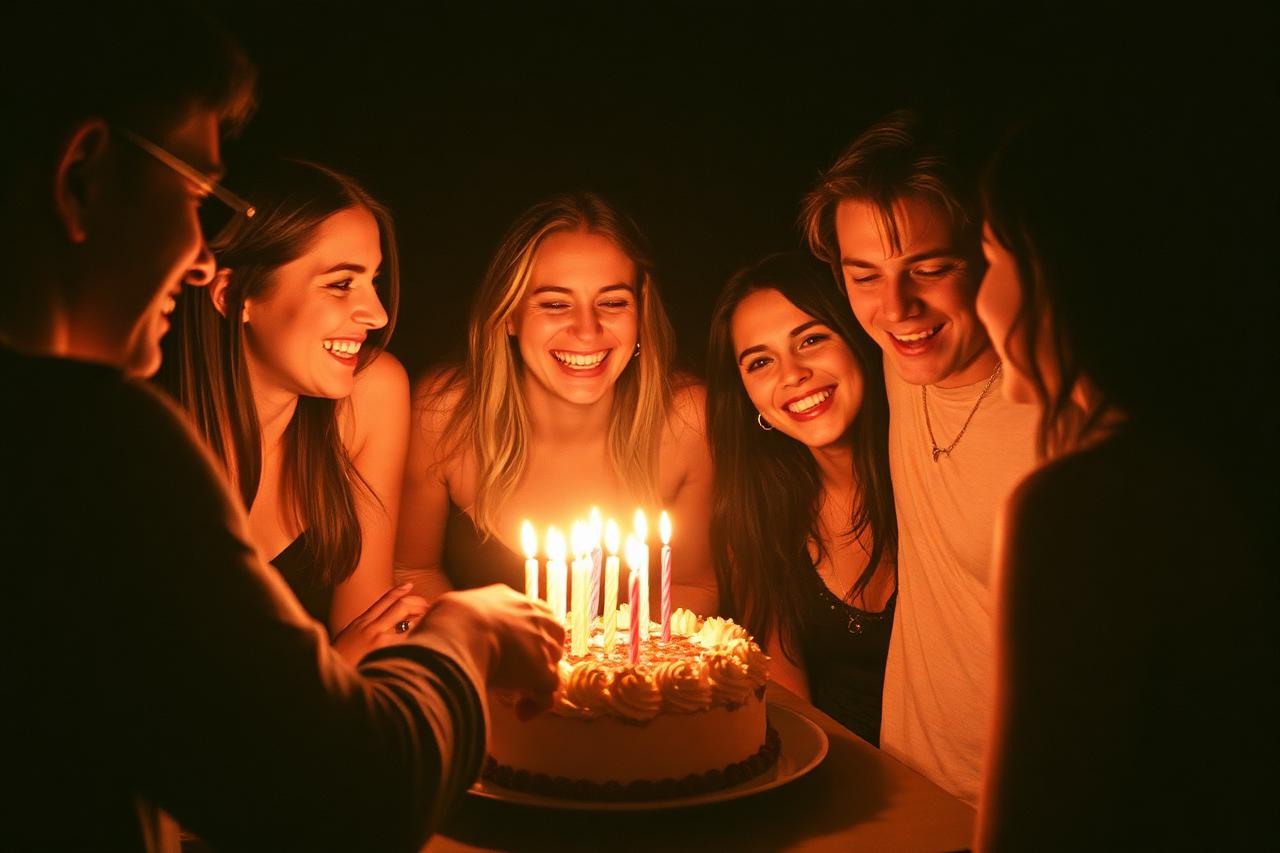
Set it up before people arrive
Create the film, set the finish time to when you expect the night to wind down, and pick 'after event' as the reveal mode. Send the invite link in the same message as the address.
- Finish time = when the party ends
- Reveal after the event so nobody scrolls at the table
- Five guests are free; larger parties pick a bigger guest tier
Cap the shots so people look up
Ten or fifteen shots per person is plenty for a party. A finite roll stops the endless burst photos and leaves you with frames somebody actually chose.
Open it together the next day
When the reveal time passes, the roll develops for everyone at once. The film then moves into your albums, where it stays even after capturing closes.
Questions
Can guests keep shooting after the party ends?
No. Once the finish time passes, capturing closes automatically and the film moves to albums.
How many photos can each guest take?
You choose: 5, 10, 15, 25, 30 shots per person, or unlimited as a paid upgrade.
Keep reading
What a shared disposable camera app actually does
One roll, many phones, one reveal. How a shared disposable camera works when nobody has to carry an actual camera.
A wedding photo sharing app guests will actually use
Your photographer gets the posed shots. A shared roll gets everything else — the toasts, the dance floor, the 1 a.m. table.